Choose your event.
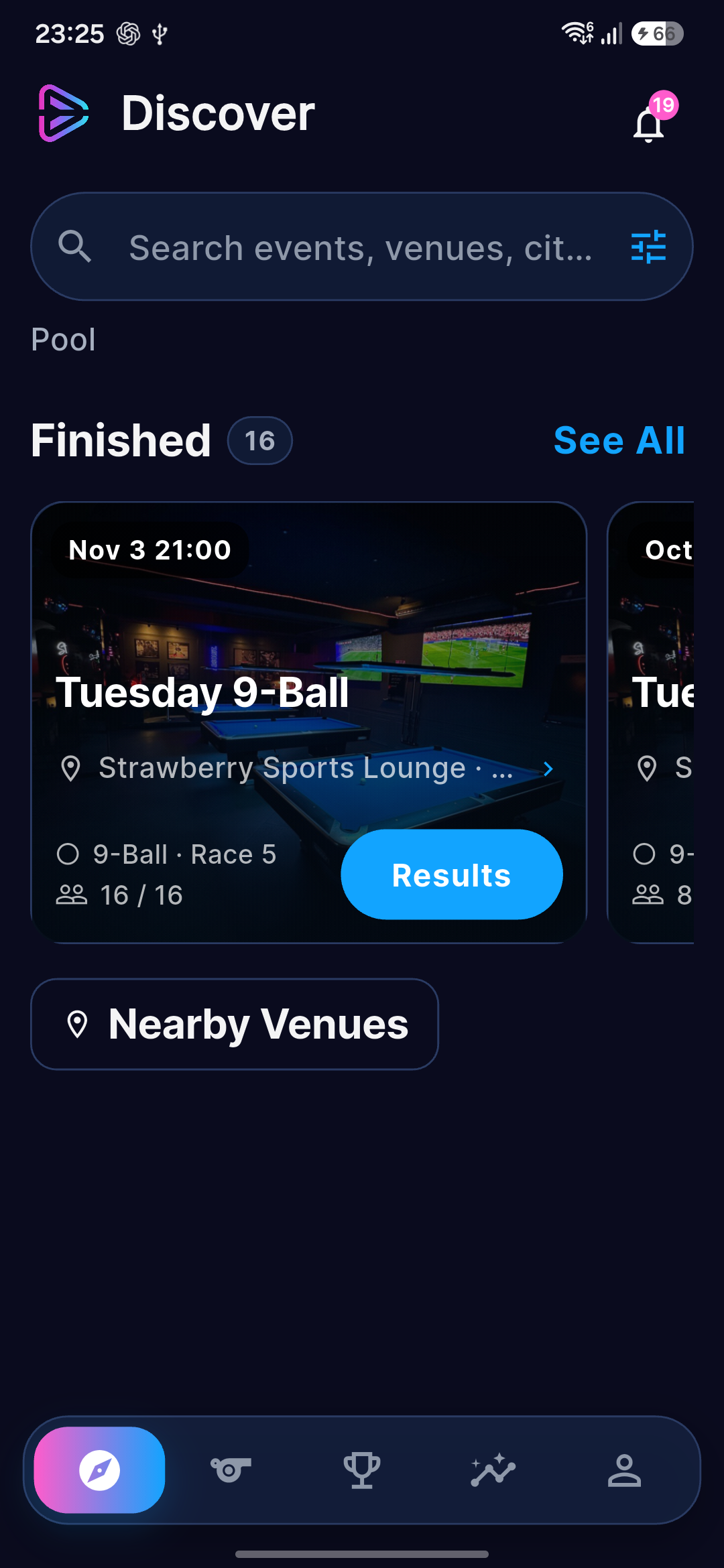
Browse events and check the venue, format and registration details before you enter.
 CUE PLAY
For players
Find players, start a match, follow events and build your playing record. CUE PLAY brings your time at the table into one player record.
From entry to result
Browse events and check the venue, format and registration details before you enter.
Check your table and opponent. Use the event’s scoring workflow when you are assigned to score.
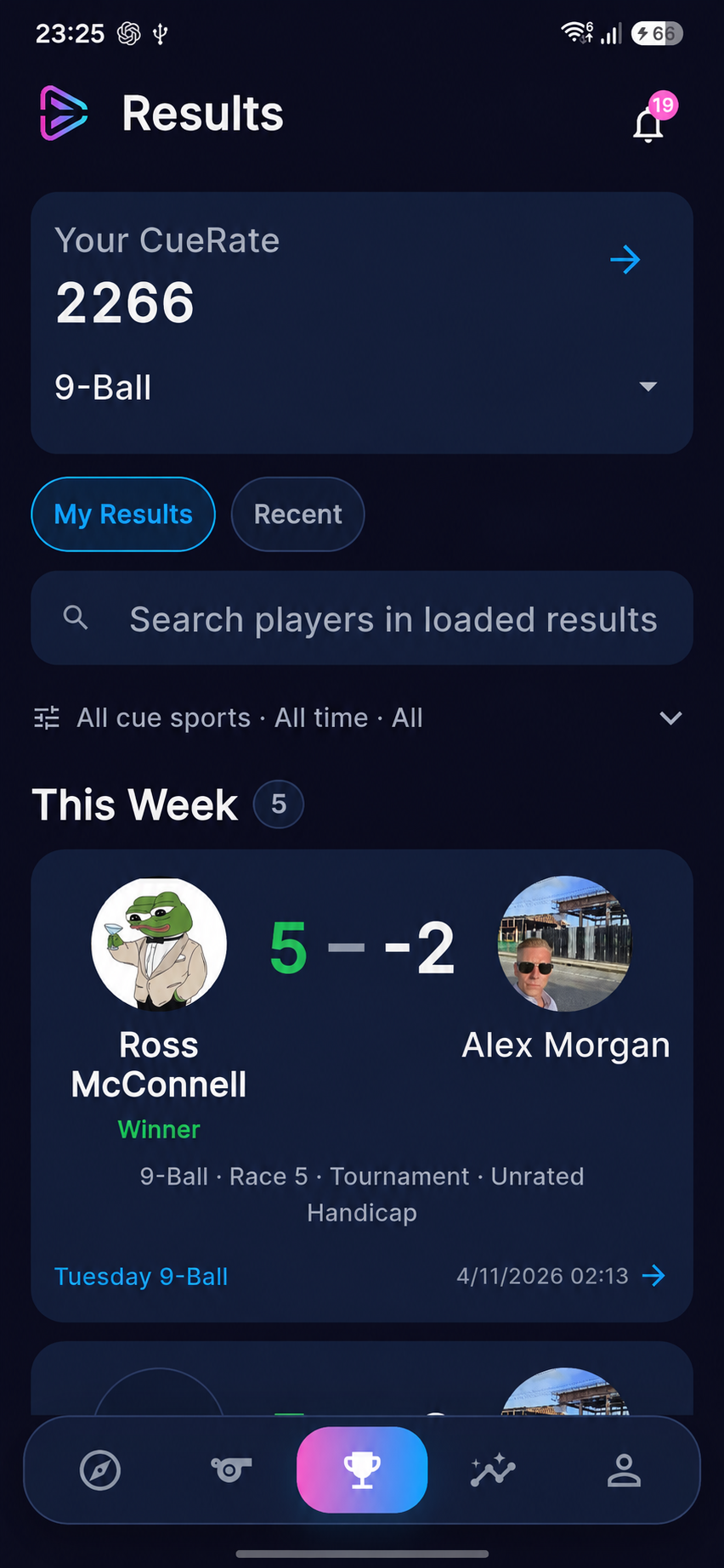
Revisit completed matches and explore your Performance view as your record grows.
Discover & Play
Use search and filters to narrow the choices, whether you are planning an event visit or looking for someone to play.
In Discover, filter events by city, venue, cue-sport category and status. See what is on today, tomorrow, this week or this month, then check the event’s discipline, format and entry details.
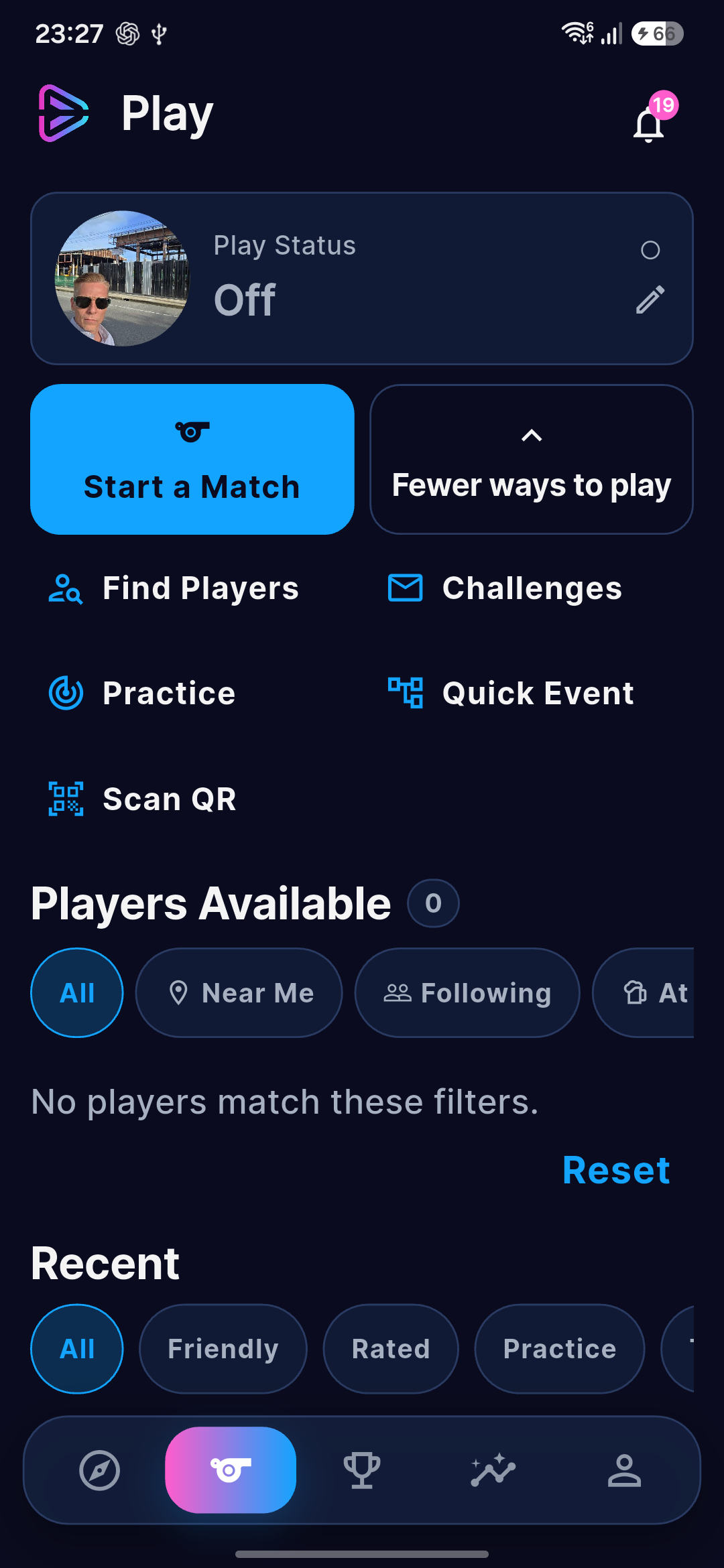
In Play, narrow available players by discipline. Use Near Me, see players you follow or browse people sharing an At Venue status. Open a profile to learn more or send a Challenge.
Search venues by name, explore their events and save favourites. In Discover, filter to your favourite venues to find their events again quickly.
Near Me uses location where available, with a same-city fallback when distance is unavailable. Player availability is shared by the player; filters apply to the players loaded so far.
Play Status & Find Players
Choose In the Mood when you’re open to playing, or At the Venue when you’re there and ready. Switch Off when you’re done.
Search for a player by name, or browse players who have shared their availability. View a profile, follow a player or send a Challenge. Your status is a signal you choose to share, not proof of someone’s location.
For a specific game, create a separate Looking for Match listing with your venue, discipline and timing. Listings expire, so an old invitation does not stay open indefinitely.
Between tournaments
Start a friendly match, invite an opponent or share a Challenge. Agree the venue, time and match settings, then keep the result.
Bring a group together for a bracket event or Killer Pool. Use app players or guest names for a casual competition.
Record your own attempts in Free Practice, Ghost Game, break and jump practice, safety work, position drills or the Drill Library.
On match day
See your next opponent, follow your upcoming match and know when to head to the table.
Enable Match notifications in Settings and allow phone notifications. Estimated start windows move as earlier matches finish; they are not a fixed appointment. Follow the organizer’s published schedule and table calls.
Keep score on one device. For a Challenge, choose two-device verified scoring so both players confirm score changes and the final result.
If a device drops out, play can continue with reduced verification recorded. Verified scoring does not, by itself, make a Challenge count toward CueRate.
CueRate
CueRate is your playing-strength rating for each supported discipline. It carries forward across eligible events and helps you see where you stand on CUE PLAY leaderboards—from your venue and city to country, continental and global rankings.
Your assessment provides an initial estimate. New ratings are provisional while match evidence builds; an assessment does not replace an established rating.
Eligible completed singles tournament results update your rating after the event finishes, using match outcomes and opponent strength.
CueRate describes playing strength. A handicap changes the conditions of an event. An organizer’s handicap decision does not rewrite your CueRate.
Friendlies, Challenges, practice, team play and handicapped matches do not contribute to the current rating calculation. Not every saved result is rating-eligible. Player subscription tiers do not change the rating rules.
Your progress
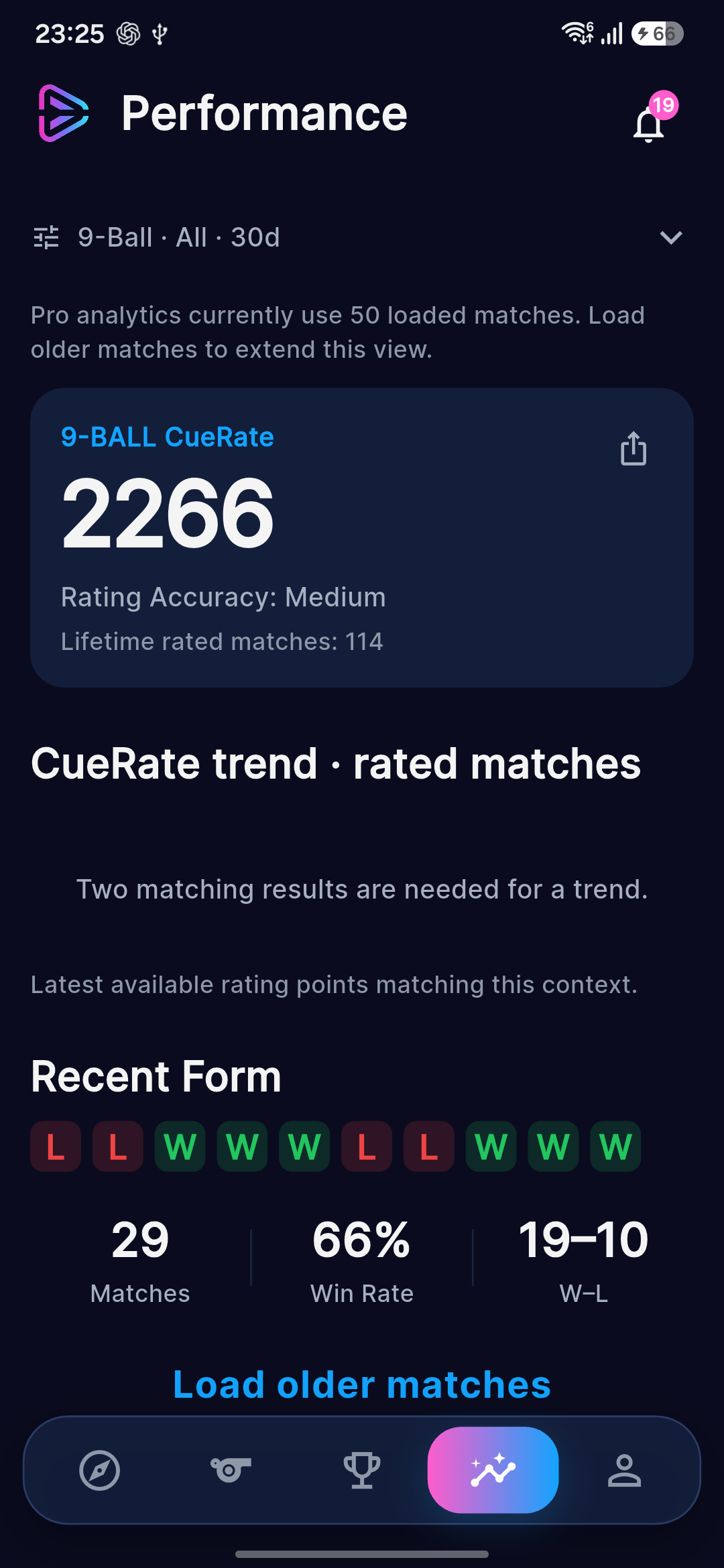
Follow your CueRate, explore the rankings and see how your performance develops. Review your statistics and trends across different kinds of play, from tournaments to friendlies and practice.
Go deeper with Pro’s longer-term analysis, activity filters and head-to-head comparisons. With Champion, set personal goals and reflect on your season.
Find and follow the players who inspire or challenge you. Explore their shared ratings, progress and playing activity, including where they play, according to their privacy settings.
Insights use the matches available in your selected view. CueRate is calculated the same way across every plan.
See the plan differences →Getting started
Core play and event participation are available on Free. Optional plans add history and personal tools. An organizer’s event entry fee is separate.
Results need to be linked to your player account. If an organizer imported your name and a result is missing, ask them about linking the entry to your account.
Use your profile privacy and notification settings, and switch Play Status Off when you are no longer available. Basic privacy controls are not a paid-plan benefit.
Public brackets and results are available in your browser.
16 app languages
Choose the app language that feels right for you. CUE PLAY supports 16 languages, with more planned.
English, Thai, Chinese, Japanese, Korean, Vietnamese, Indonesian, Filipino, Finnish, Swedish, Norwegian Bokmål, German, French, Italian, Spanish and Greek.
Get CUE PLAY
Open the store or testing page for your device. Availability and access requirements are shown there.
Need help getting access? Contact support.