
Prepare the field
Create the event, import a roster from Excel or CSV, set seeds, and keep player information in one place.
Event setup · roster import · seedingFor venues and tournament directors
CUE PLAY connects the draw, tables, live scores, staff controls, public brackets, and final results—so the event can run from one shared source of truth.
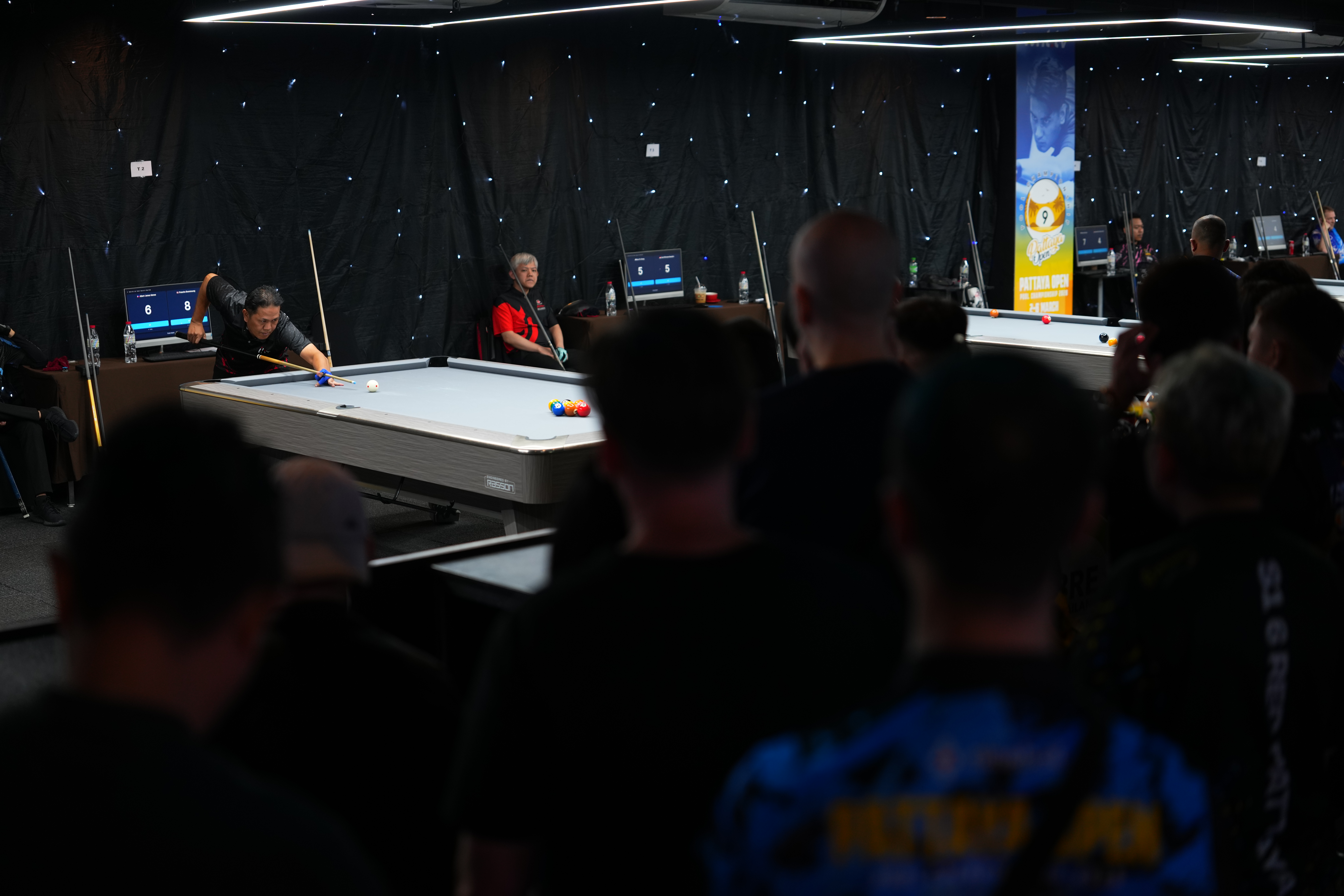
Less time answering “Who do I play?”
Less time asking “Which table is free?”
Less time rebuilding scores and results
Working today
These are current capabilities documented in the product—not roadmap promises presented as finished features.
Create the event, import a roster from Excel or CSV, set seeds, and keep player information in one place.
Event setup · roster import · seedingRun single- or double-elimination brackets with automated byes, seeded positions, and printable draw sheets.
SE + DE · automated byes · up to 32 seedsAssign matches manually or automatically, see occupied tables, schedule times, and avoid duplicate live assignments.
Manual + auto assignment · schedules · conflict checksUse tableside kiosk scoring or staff controls, finalize scores quickly, record walkovers, and amend mistakes.
Kiosk scoring · quick finalize · amendmentsGive players and spectators a live schedule, bracket, player search, results, and a projector-friendly public view.
Public hub · brackets · results · broadcast viewSave bracket snapshots, regenerate from the original manifest, and use controlled staff interventions when reality changes.
Snapshots · recovery · operational controlsOn event day
The organizer dashboard groups live, waiting, and pending matches around the actual table situation. Staff can move the room forward without updating several separate tools.
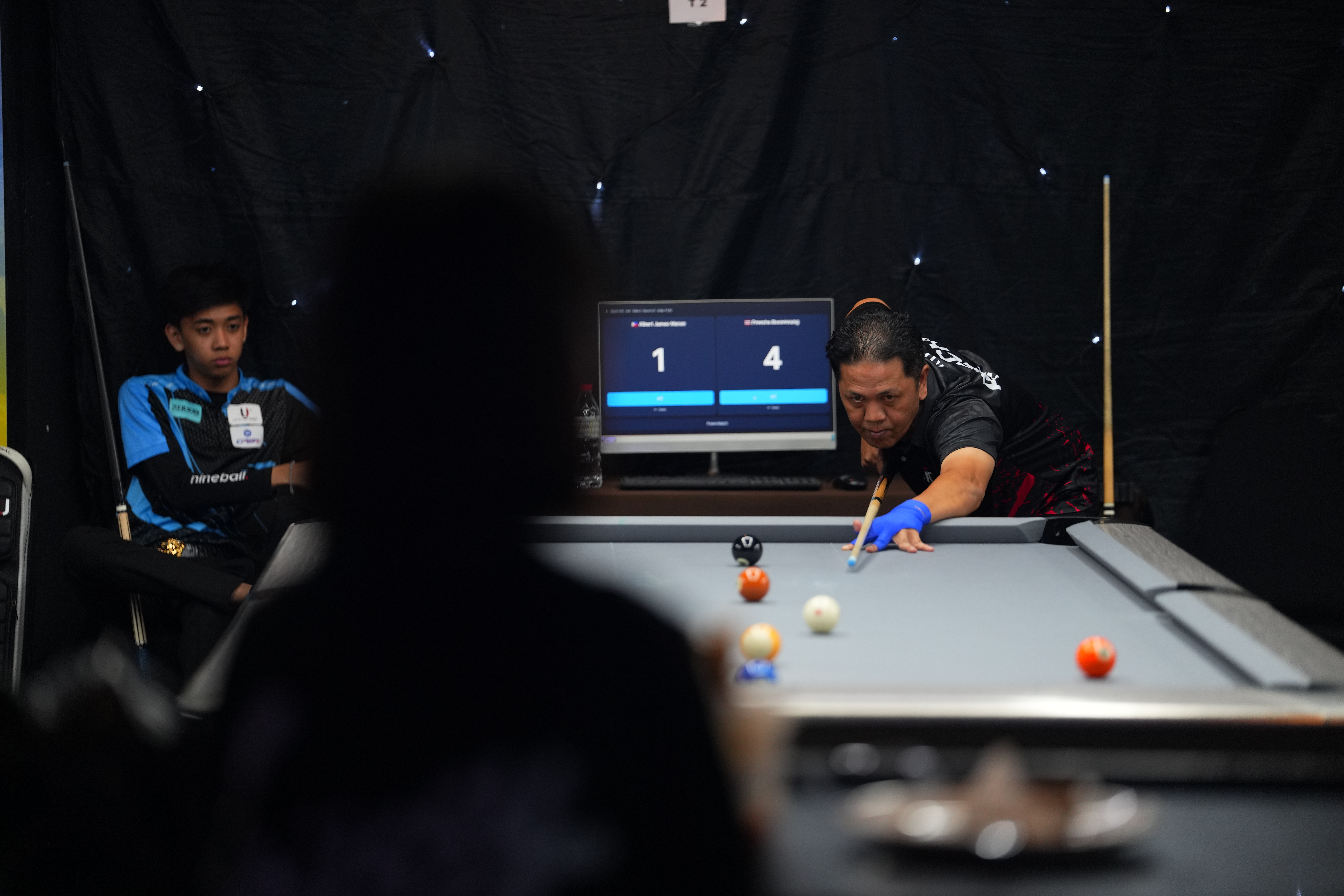
Operational proof · Pattaya Open 2026
CUE PLAY supported 160 players and 479 matches across five days. That test proved the core event system and exposed the recovery, clarity, and staff-control requirements that matter when a room is full.
Observed · owner-reported venue operation
At Strawberry, CUE PLAY events have run for approximately eight consecutive weeks. The venue owner now creates and runs events independently from mobile, without Timo or CUE PLAY staff needing to be on site.
Read the Strawberry field note →Consecutive weeks of live events
Your first event
Early venue onboarding is direct and practical. The first goal is a well-supported event, not a software hand-off.
Tables, formats, field size, staff roles, scoring method, and current pain points.
Set up the event and prepare the operating workflow around the room.
Walk staff through the critical actions before players arrive.
Stay close through the live event, capture friction, and improve the next one.
Supported onboarding
We scope the first event around your room, staff, field size, and operating rhythm before recommending packaging.
Map the room, event format, registration flow, staff roles, and table operation.
Run one real event with the operating workflow agreed before play begins.
Review what changed, what still caused friction, and whether the workflow should expand.
Venue onboarding is direct operational support. Paid venue plans are not currently offered, and onboarding does not sell digital app access.
Discuss a venue pilot
We will show you the current platform, discuss what your event needs, and identify whether a supported pilot makes sense.